Personal Backlog
A personal app for organizing my game backlog, inspired by retro system menus and made with help from Claude Code.
Context
Similar to what cinephiles do with Letterboxd, I was already using a game tracker (Backloggd), but by having a library of more than 850 games, features like ratings, reviews and session-by-session logs felt heavier than what I actually needed.
I wanted something simple and with a retro look I couldn't find on any of those sites, so I used the opportunity to learn Claude Code and built the app from scratch, tailored to me and using a database (IGDB).
References
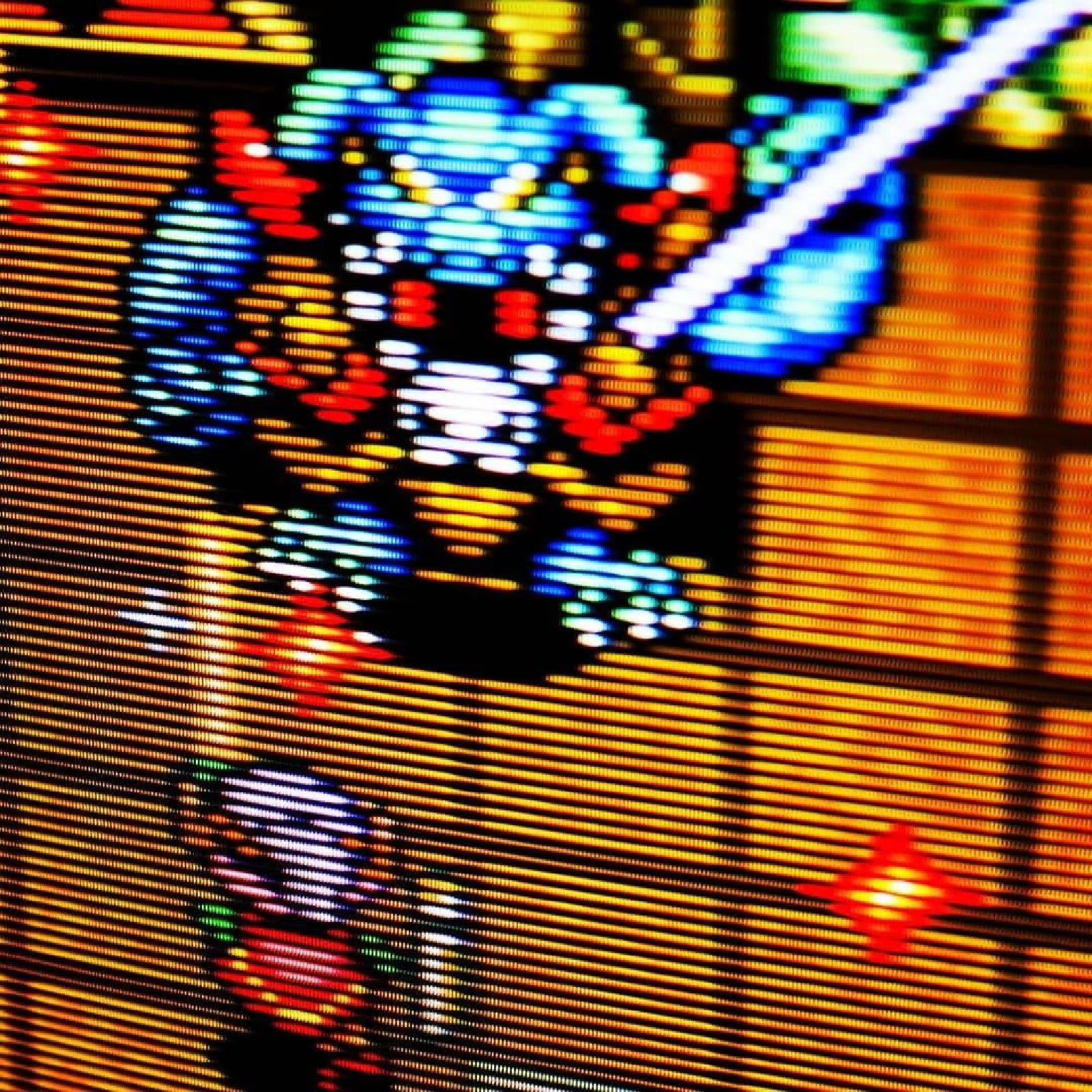
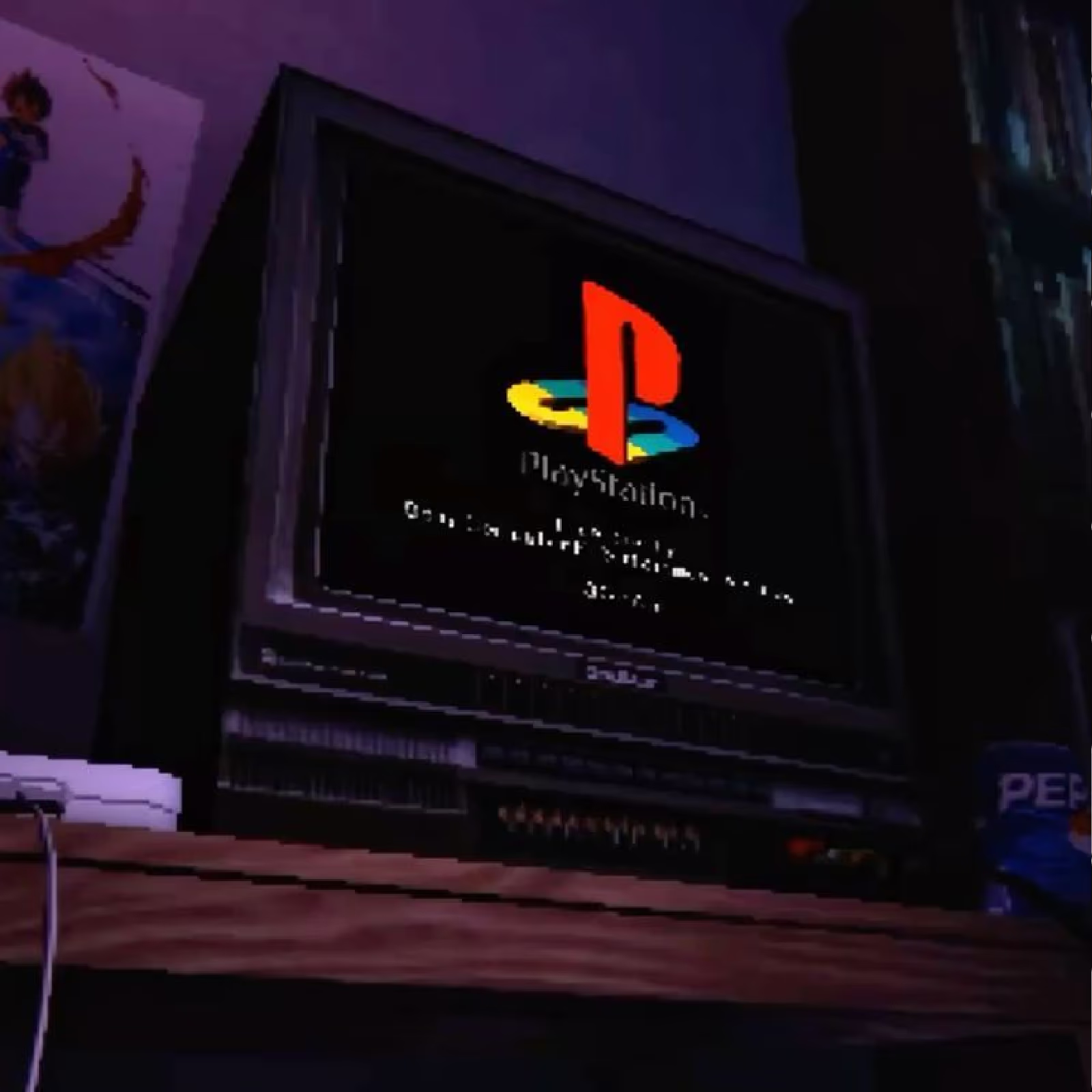
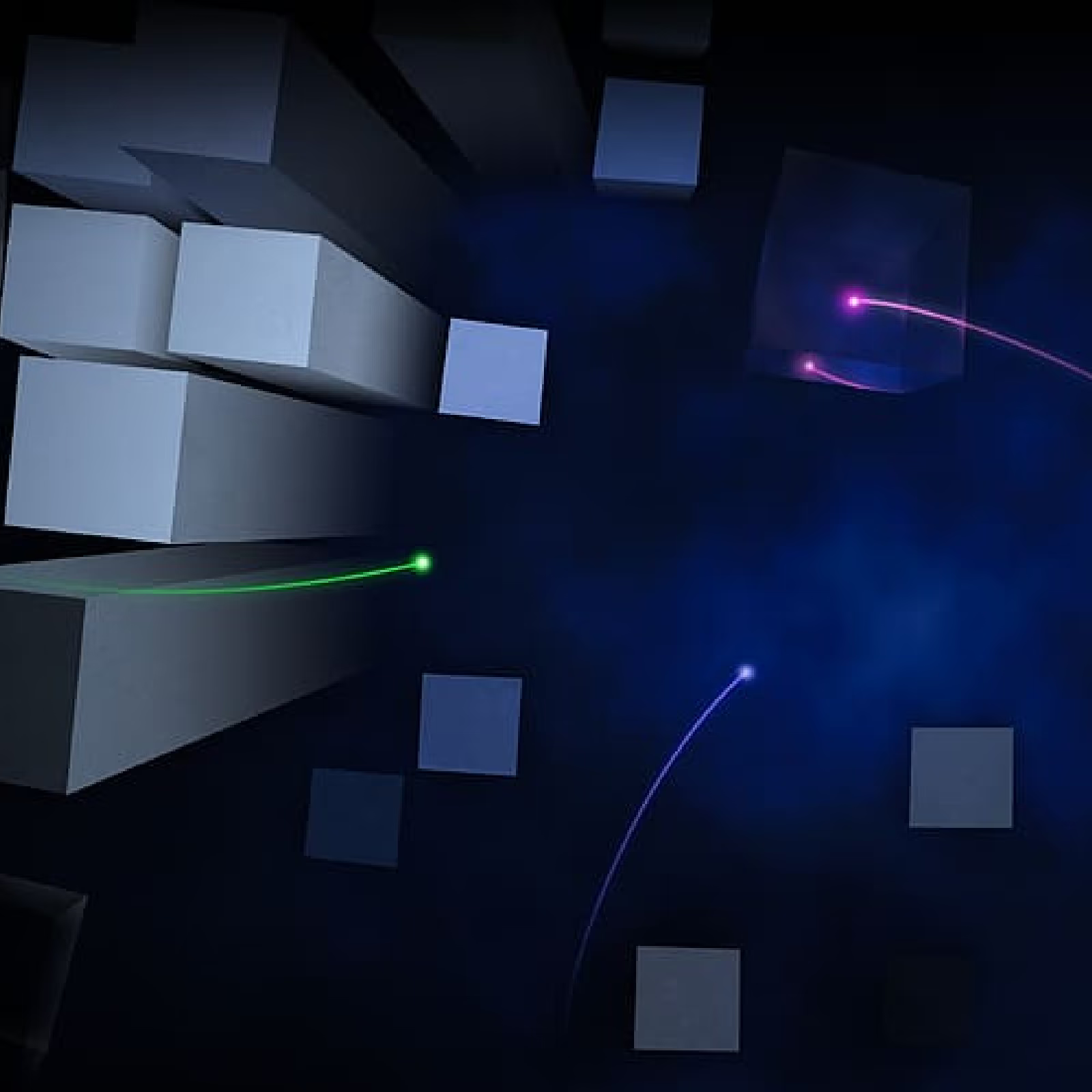
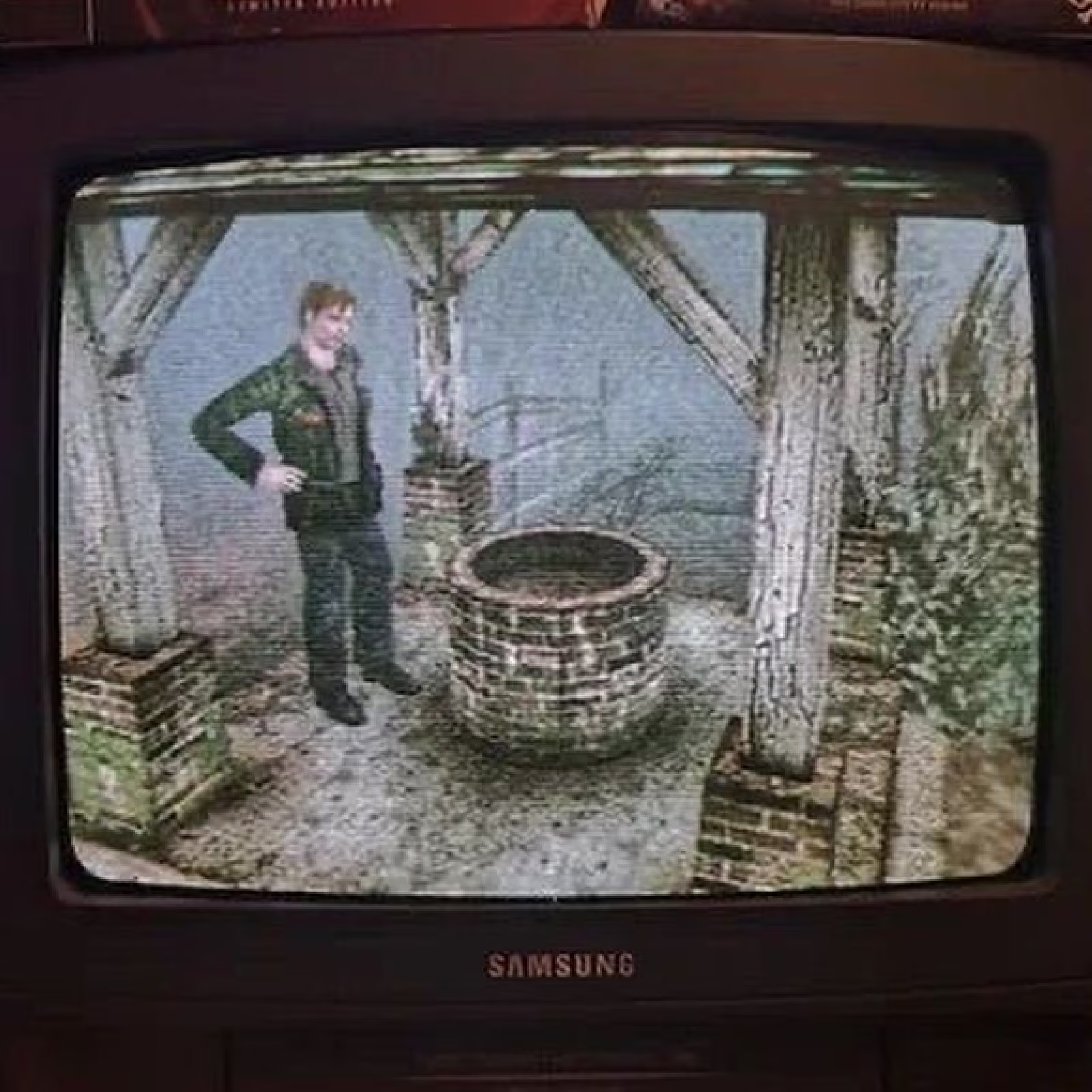
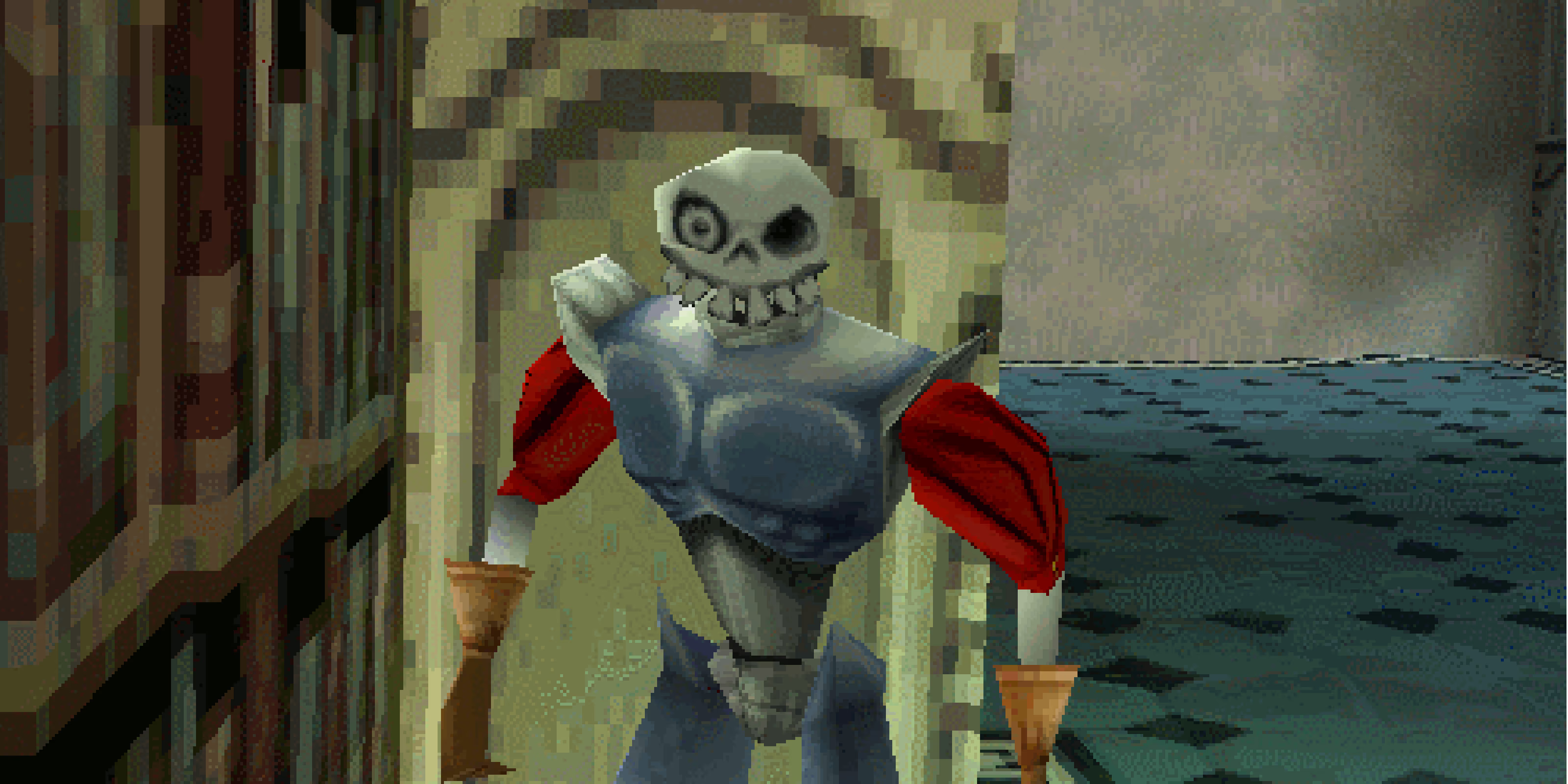
Before designing the app, I put together references from old console menus, textures and screens I wanted to pull into it.

Look & feel
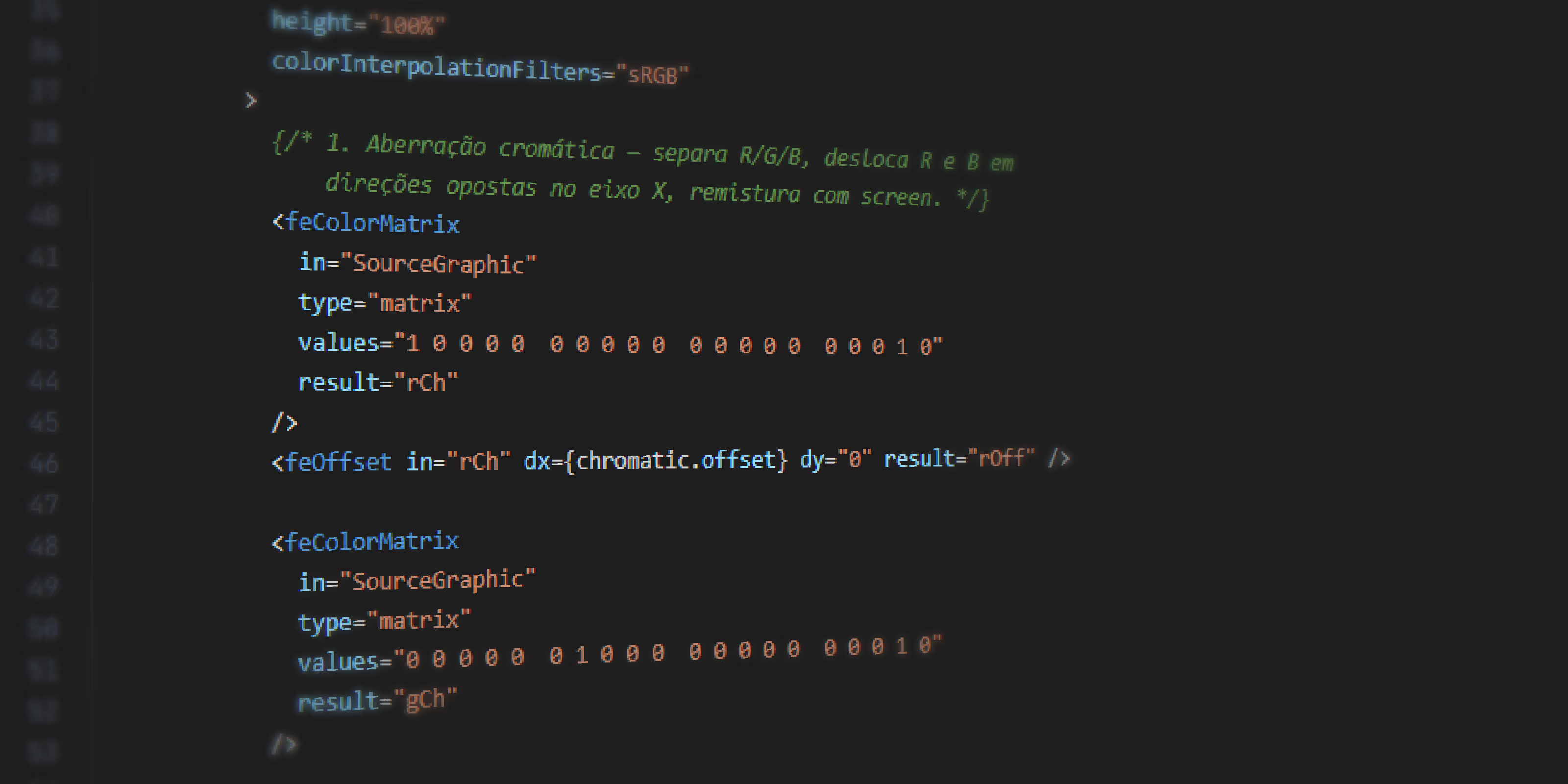
The main reference is a loose nod to PS1 menus: a CRT filter over everything, pixel-art typography, low-poly 3D icons carrying the console's visual artifacts. The cursor is also custom, much bigger than the system's default, and every action has a retro menu sound: clicking, moving a game, entering focus mode, switching tabs, adding or deleting a game, among others.
The choice was also strategic: I already knew I'd use a similar CRT filter on this portfolio, so the app doubled as a test run for how that effect actually behaves, before bringing that experience into this website.
Tabs
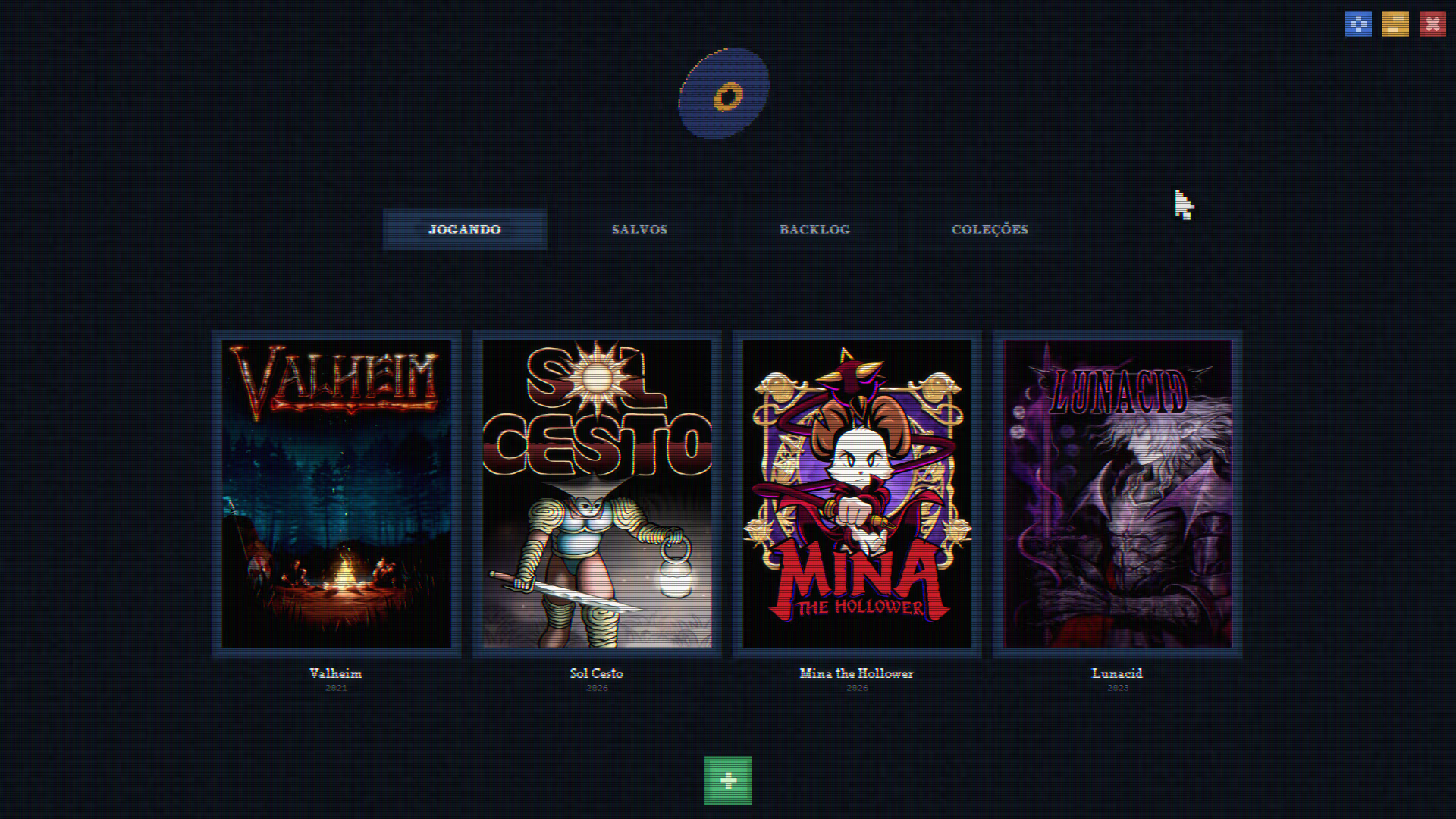
Four tabs, each with one clear job.
Playing
The games I'm currently playing, capped at 5 entries so I don't overload myself with too much at once.
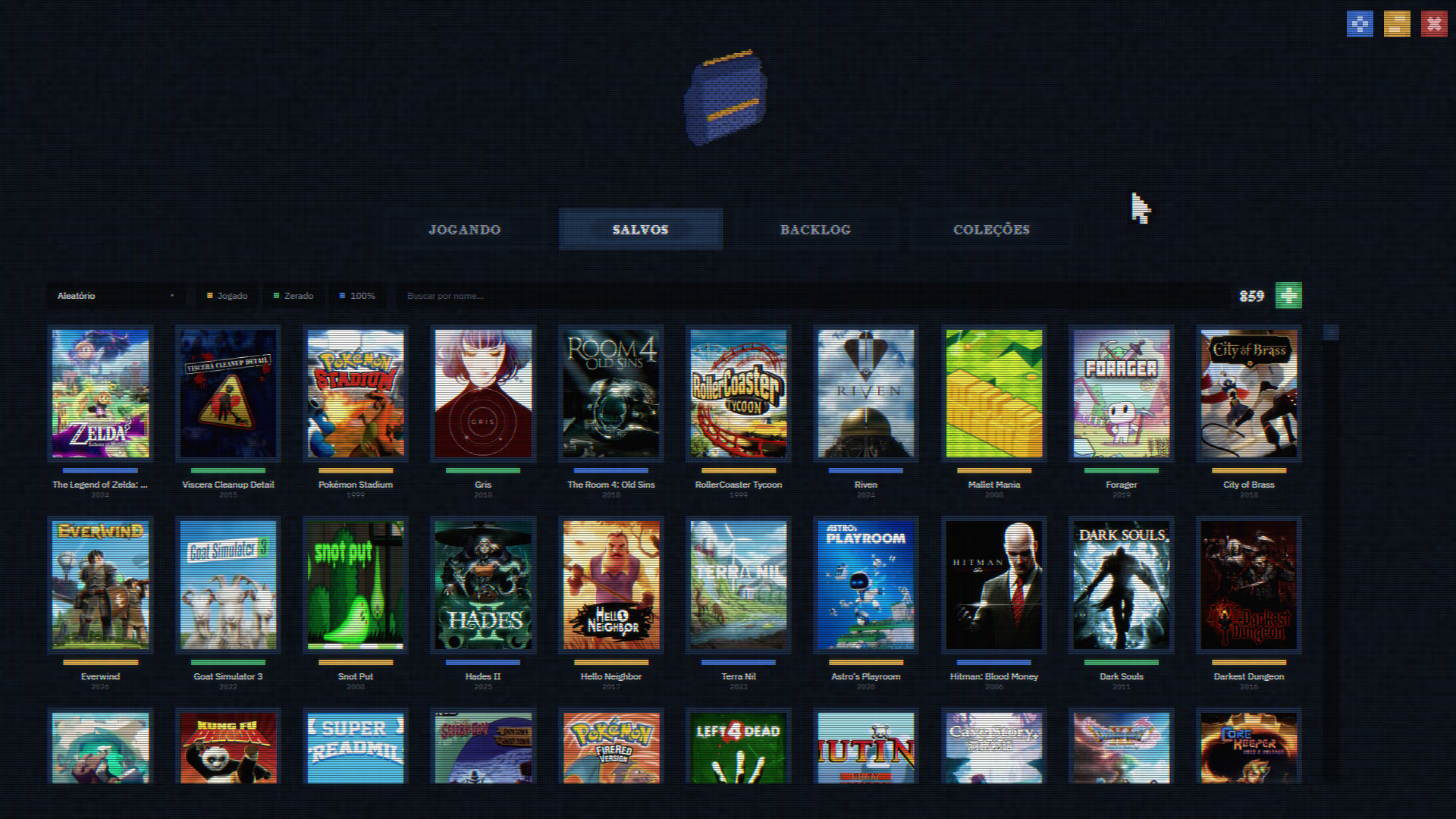
Saved
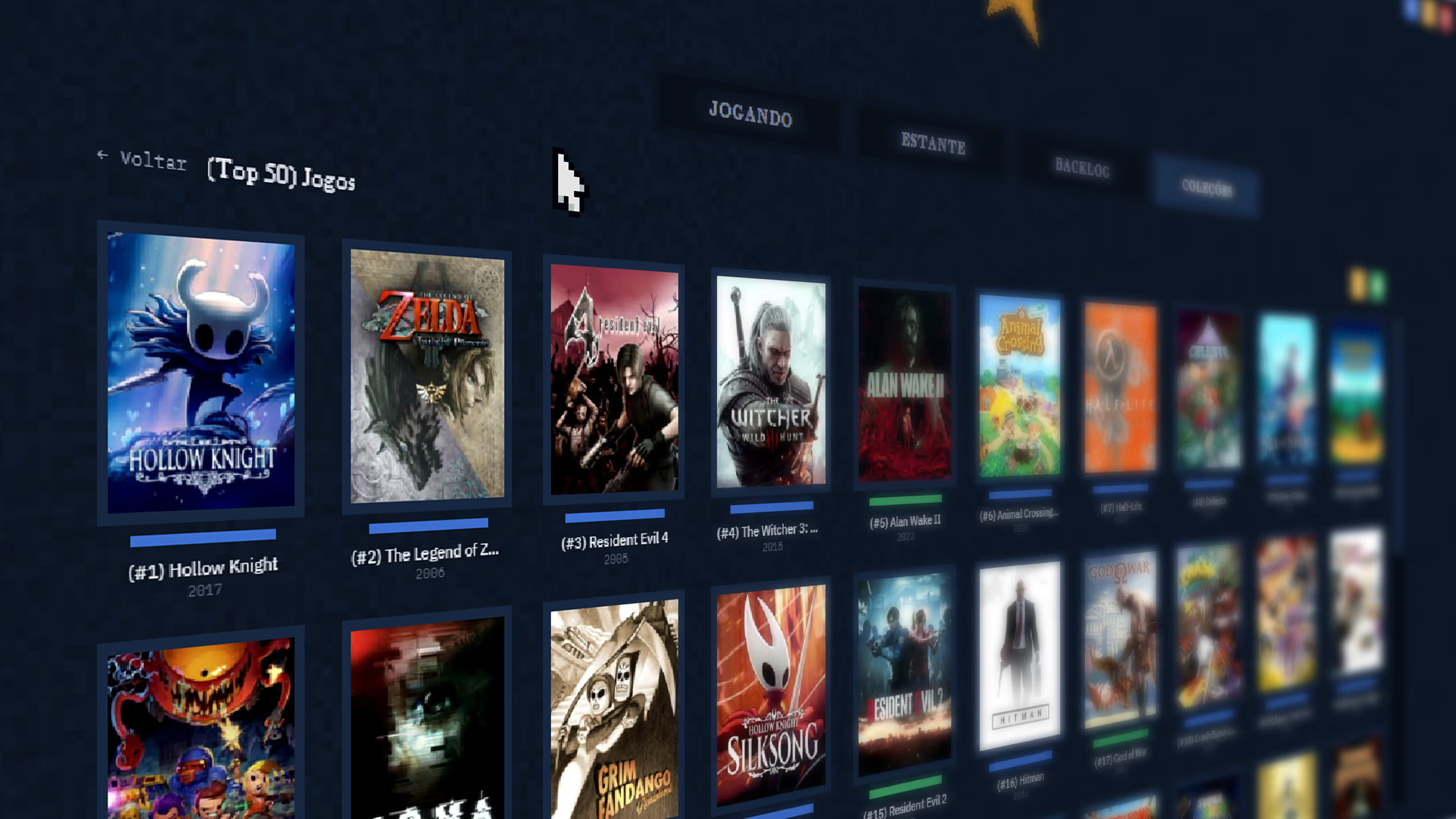
Every game I've ever played (played, beaten, 100%), in a grid of thumbnails, with search by name, a total counter and sort options: A-Z, Z-A, release year or random.
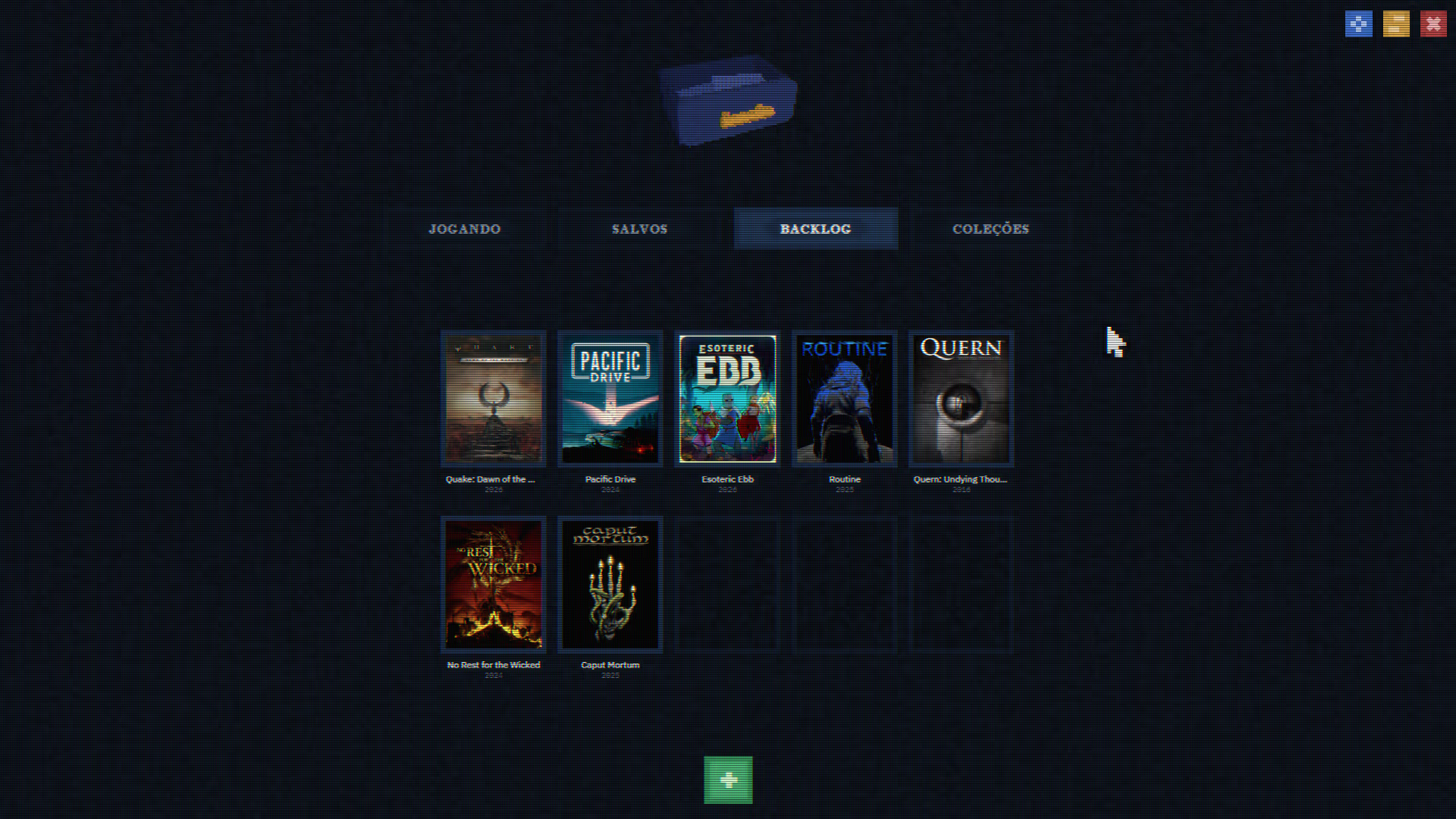
Backlog
What I want to play, capped at 10 entries so I don't stack up an endless backlog I know I'll never really clear.
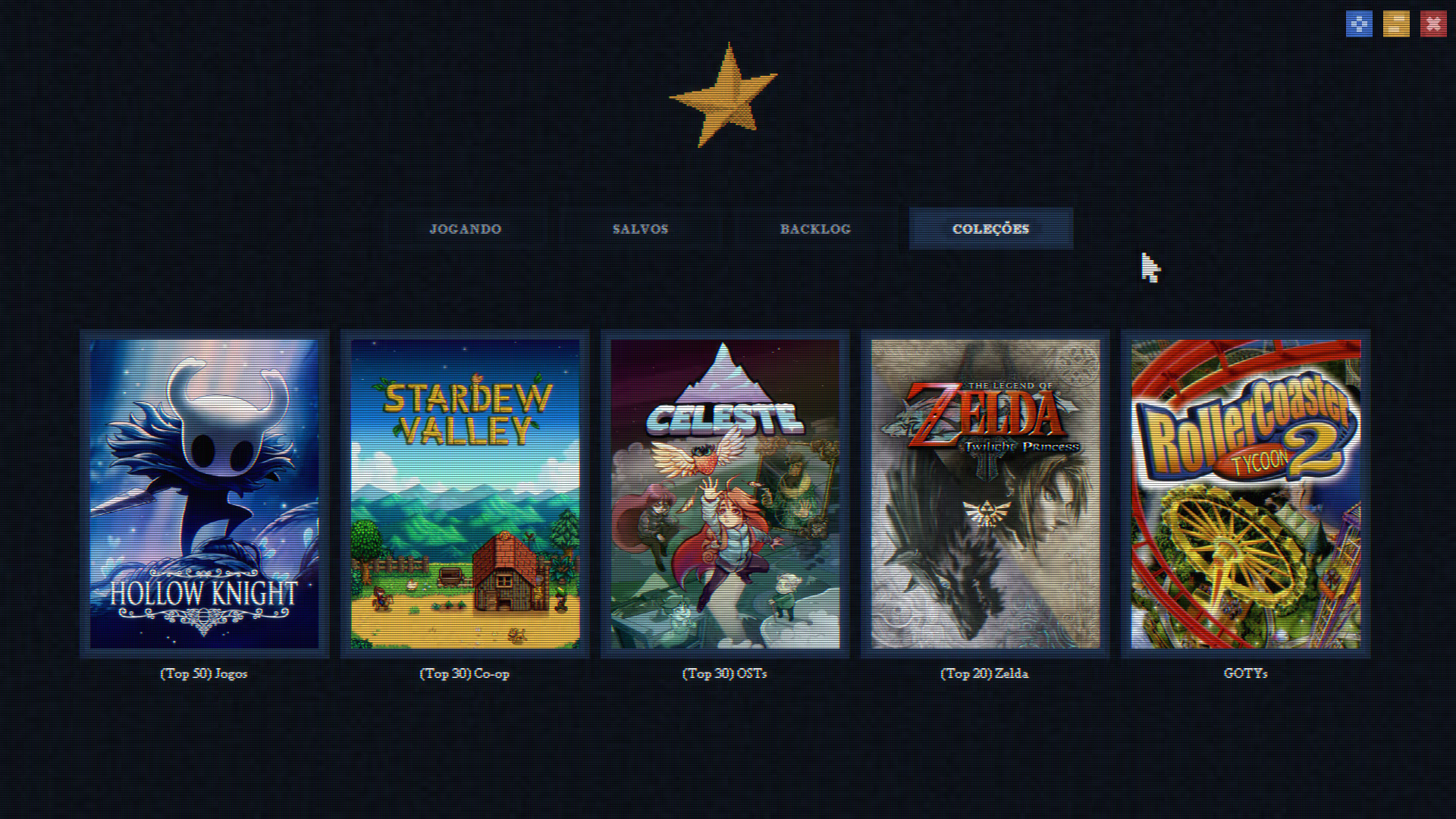
Collections
Folders I create myself, like "best game of each year". Each one can be ranked or have no hierarchy between games at all.
Interactions
A cut of some of the app interactions in motion.
Process
From IGDB only three pieces of information come in: name, year and cover. Everything else (organization, filters, collections, sound, cursor) is built on top of that.
Working with AI
Planning came first: references, the pain points I wanted to solve, the features, the architecture, all worked out with AI before a single line of code. Then came the handoff to Claude Code, which generated the app from scratch but with my inputs about UX, always explaining the logic behind each step. It was, literally, the same way this very portfolio was built.